Five categories on the shelf, prices spanning a factor of six, and one question that settles the matter: which port are you plugging this cable into? In Belgium a home router carries a single port above gigabit, when it carries one at all. Cat 6 therefore covers the vast majority of installations, Cat 6a handles the rest, and Cat 7 and Cat 8 have no business in a house.
Cat 5e, 6, 6a, 7 and 8: speeds, distances and standards
A cable category does not describe a speed. It describes a bandwidth in megahertz and the distance over which that bandwidth holds. Throughput follows from those two numbers; it is not stamped into the copper.
| Category | Bandwidth | Speed over 100 m | 10 Gbps up to | Standardised connector | Status |
|---|---|---|---|---|---|
| Cat 5e | 100 MHz | 1 Gbps | not specified | RJ45 | ANSI/TIA recognised |
| Cat 6 | 250 MHz | 1 Gbps | 37 to 55 m | RJ45 | ANSI/TIA recognised |
| Cat 6a | 500 MHz | 10 Gbps | 100 m | RJ45 | ANSI/TIA recognised |
| Cat 7 | 600 MHz | 10 Gbps | 100 m | GG45 or TERA, not RJ45 | ISO/IEC Class F, outside ANSI/TIA |
| Cat 8 | 2,000 MHz | 25 to 40 Gbps over 30 m | 30 m | RJ45 | ANSI/TIA, data centre use |
Two rows deserve a pause. Cat 6 does carry 10 Gbps, but only over 37 to 55 metres depending on alien crosstalk in the bundle, whereas Cat 6a holds that speed across the full 100 metre channel. And Cat 7, for all the 600 MHz printed on the box, is standardised with no RJ45 plug at all.
The ceiling sits in the router, not in the cable
The argument fits in one sentence: your cable is almost never the slowest link in the chain.
A gigabit Ethernet port delivers roughly 940 Mbps of usable throughput once protocol overhead is stripped out. That ceiling does not move by a single bit according to the category plugged into it: a 2,000 MHz Cat 8 on a 1 Gbps port gives exactly the same result as a 100 MHz Cat 5e bought for a sixth of the price. Ethernet negotiation settles on the lowest value the two ends share, and that value is fixed by the silicon in the ports, not by the copper in between.
The logic is the same slowest-link reasoning set out in our method for measuring your speed without skewing the result.
One port per Belgian router goes past gigabit
Here is the part no comparison site publishes, and it is the only one that decides your purchase. On 10 September 2026 I recorded the port detail from the official pages of the three operators that document it.
| Router | Ethernet ports | Fastest port | Category that actually earns its price |
|---|---|---|---|
| Proximus Internet Box (Wi-Fi 6) | up to 1 Gbps down, 500 Mbps up | 1 Gbps | Cat 5e is enough |
| Proximus Internet Box+ (Wi-Fi 7) | 3 ports at 2.5 Gbps, 1 port at 10 Gbps | 10 Gbps | Cat 6 on the 2.5, Cat 6a on the 10 |
| Telenet CH6643E, CH7465LG-TN, CH8568LG, CV8560E | 4 gigabit ports | 1 Gbps | Cat 5e is enough |
| Telenet F@ST3896LG-TN | INT1 to INT3 at 1 Gbps, INT4 at 2.5 Gbps | 2.5 Gbps | Cat 6 on INT4 |
| Telenet 360° Fiberbox F@ST5685LGB-TN | INT1 to INT3 at 1 Gbps, INT4 at 10 Gbps | 10 Gbps | Cat 6a on INT4 |
| Orange Livebox (DOCSIS 3.1, Vantiva) | built-in 2.5 Gbps Ethernet port announced by the manufacturer | 2.5 Gbps | Cat 6 |
Look at the middle column. Across six routers, one offers more than a single port beyond gigabit, and it is the newest and most expensive device on the Belgian market. Everywhere else, three sockets out of four stop at 940 Mbps of usable throughput, whatever the bill says.
One aside, because it explains a fair number of pointless purchases: Telenet's own page contradicts itself. The "Technical" section for the F@ST3896LG-TN and the 360° Fiberbox announces "4 Ethernet sockets (Gigabit)", while the port list a few lines above on the same official page, published in French and Dutch only, states that INT4 runs at 2.5 and then 10 Gbps. The port list is the accurate one. It is also the one nobody reads.
On the Digi side I found no public sheet documenting the ports to the same level of detail: when in doubt, read the label printed on the back of the unit before ordering a cable.
Belgian geography adds a layer, because the router you receive depends on the network in your street. FTTH (fibre to the home) deployment reached, as an order of magnitude in mid 2026, roughly 78 % of homes in Brussels, 71 % in Flanders and 44 % in Wallonia. In practice: a Brussels or Flemish household on fibre stands a good chance of receiving a router with a 10 Gbps port, which makes Cat 6a genuinely worthwhile on that one socket. A Walloon household still served by the coaxial cable of the former VOO network gets a Livebox whose best port reaches 2.5 Gbps, where Cat 6 does the job. And in rural municipalities across all three regions still on VDSL, the question does not arise. The coverage atlas of BIPT, the Belgian telecoms regulator, shows what actually serves your address.

Do you need Cat 8 for an 8.5 Gbps plan?
No.
The objection deserves to be taken seriously, because arithmetically it holds: if Proximus sells a line at 8.5 Gbps, a cable capped at gigabit really does become the bottleneck. The reasoning is sound. The conclusion is not.
Cat 8 was standardised for short links between equipment inside a rack, at 2,000 MHz over 30 metres at most. The only port able to exploit it in a Belgian home is the 10 Gbps socket on the Internet Box+ or the 360° Fiberbox, and Cat 6a already delivers 10 Gbps there across 100 metres. You would be paying for eight times the bandwidth on a link whose two ends both stop at the same figure.
There is a subtler point. A plan sold at 8.5 Gbps is never consumed by one machine: that number is an aggregate ceiling for the whole household, and an ordinary desktop does not even carry a network card capable of receiving it. Our article on the real download speed of a fibre line sets out what those tiers deliver once converted into megabytes per second.
Why does Cat 7 barely exist in RJ45?
Because it belongs to a different standard, and the two standards are not describing the same object.
Cat 5e, Cat 6, Cat 6a and Cat 8 come from the American ANSI/TIA framework, which specifies both the cable and the RJ45 connector. Cat 7 is a Class F of the ISO/IEC framework, and that class was specified with proprietary GG45 or TERA connectors you will find on no consumer equipment. A cord sold as "Cat 7" with RJ45 plugs is therefore a hybrid object: the cable may well meet Class F, but the cable plus connector assembly meets no complete standard.
For a household this has no dramatic consequence. The cord works. It is simply stiffer, dearer and harder to route behind furniture than a Cat 6a doing precisely the same job under a standard that holds end to end.
Shielded or unshielded: which one at home?
Unshielded, in a home, barring special cases. Shielding only contributes something if it is grounded at both ends, on metal connectors and wall sockets built for the purpose. Plug an S/FTP cord into a plastic router whose socket has no earth contact and the shield becomes a floating conductor that collects interference instead of blocking it.
The mistake is common because the word is reassuring. It is also expensive: a shielded cord costs twice an equivalent U/UTP and bends far less willingly.
Three situations justify real shielding: a cable running alongside electrical conductors for several metres, a plant room with power nearby, and any outdoor or buried duct run. In all three, the shield only helps if the whole installation is earthed, which means shielded wall sockets and an electrician.
Four cases where a higher category earns its price
Moving up to Cat 6a is not absurd, you simply need to know why you are doing it. Four situations genuinely justify it:
- The cable disappears into a wall or a duct. A patch cord is replaced in thirty seconds; a buried cable is replaced by breaking plaster. On structured wiring, Cat 6a is a reasonable twenty year investment.
- The run exceeds fifty metres and you are aiming at 10 Gbps. That is precisely the zone where Cat 6 drops out and Cat 6a holds.
- You are plugging into the router's 10 Gbps port. One port per router, one cable concerned, and it is the only place in the house where the category changes anything measurable.
- The route follows an electrical installation and you plan proper earthing. Cat 6a exists in shielded form with a clean termination.
Outside those four cases, moving up a category means paying more for a cable that will do exactly the same thing.
Which category should you buy, and which should you skip?
None of these cables has been tested by us: what follows rests on the standards and on the sheets published by the manufacturers, nothing more. Two brands widely distributed in Belgium are enough to map the usual ranges. UGREEN specifies 500 MHz bandwidth and 10 Gbps on its Cat 6a U/UTP cords, in line with the standard, with a reduced diameter that eases tight routes. Belkin builds its Cat 6 UTP cords in 24 AWG copper for gigabit, which matches exactly what the three slow ports on any Belgian router need. TP-Link, D-Link and Zyxel sit in neighbouring segments at the same retailers.
That leaves price, and it settles quickly. A Cat 6 cord costs a few euros, a Cat 6a slightly more, a Cat 8 considerably more. Since the port decides and the port is nearly always gigabit, the budget belongs elsewhere: in the quality of the wall socket if you are fitting one, or in the length, because a cord that is too short ends up stretched across a doorway and degrades within months.
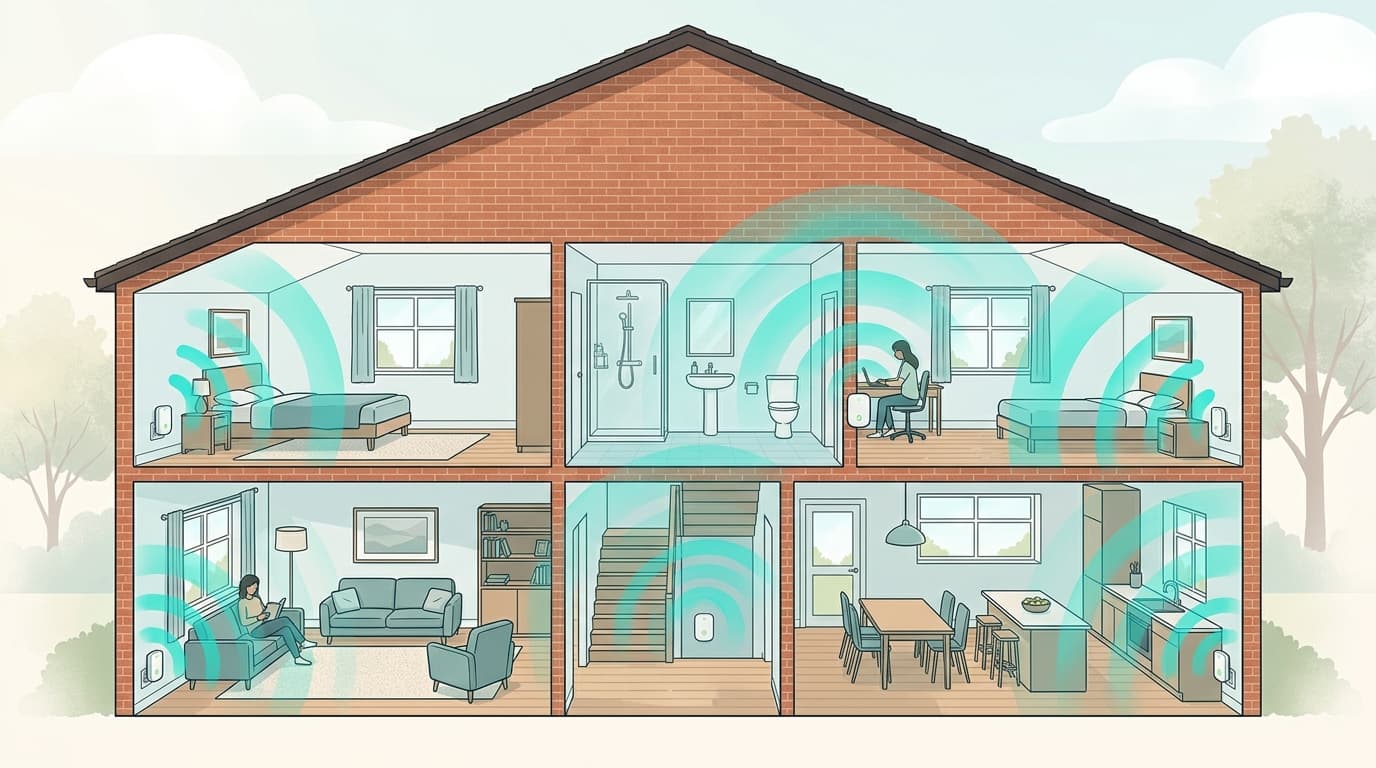
One final point, worth more than all the others. No cable will make a plan faster than it was sold, nor cheaper once the promotional period ends. To compare what you can actually subscribe to at your address, our ranking of the best fibre internet plans in Belgium remains the starting point, and our comparison of extender, powerline and mesh covers the case where the problem lies in the building rather than in the line.
The technical specifications quoted here come from the ANSI/TIA and ISO/IEC standards and from public manufacturer documentation; the router characteristics were recorded on 10 September 2026 from the official pages of Proximus, Telenet and the manufacturer of the Orange Belgium Livebox. How the intermediate tiers work is documented on the page covering 2.5 and 5 gigabit Ethernet.
Débit & technologie comparator
Compare all débit & technologie side by side.
Compare now →
Frequently asked questions
Nicolas suit le marché belge des télécoms et le déploiement de la fibre depuis plus de huit ans. Ancien technicien réseau devenu analyste indépendant, il teste lui-même les connexions qu'il compare : il mesure les débits réels à différentes heures de la journée, lit les conditions ligne par ligne et traque les hausses de prix qui tombent après douze mois. Son objectif : aider les ménages belges à choisir une offre fibre qui tient ses promesses, au bon débit et au juste prix, sans jargon ni argument commercial.