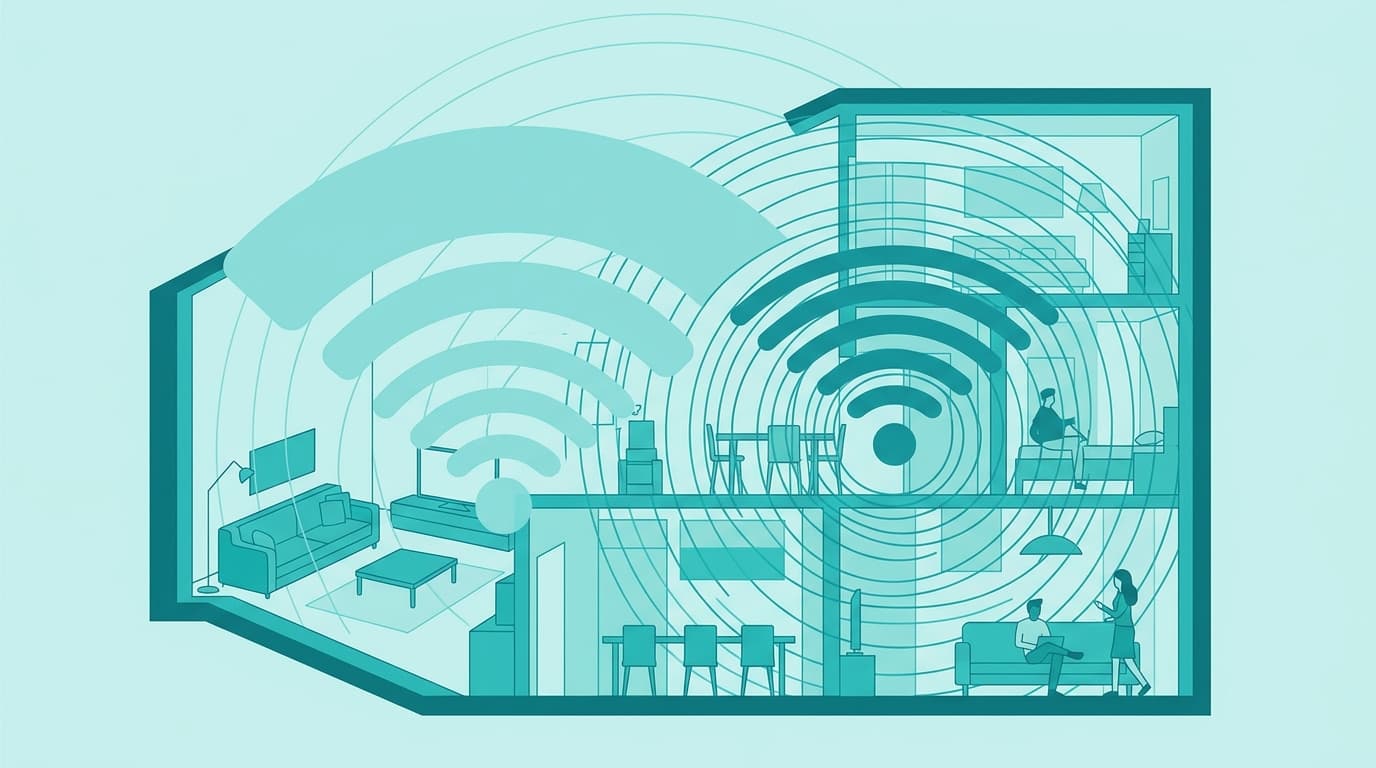
There is no best band in itself: 5 GHz wins up close, 2.4 GHz wins as soon as a wall gets involved. The useful setting is to put each device on the band that matches its distance from the box, and to check that the box is not getting it wrong on your behalf.
2.4 GHz versus 5 GHz: the criteria table
Two bands, two jobs.
| Criterion | 2.4 GHz | 5 GHz |
|---|---|---|
| Range | The longest | Shorter |
| Passing through walls and floors | Better | More easily blocked |
| Channels in Belgium (Selectra snapshot of 17 September 2026, based on the BIPT) | 13 channels of 20 MHz | 23 channels of 20 MHz |
| Non-overlapping channels | 3 in practice (1, 6, 11), 4 with 1, 5, 9, 13 | Many more |
| Crowding | High: neighbouring boxes, Bluetooth, baby monitors, microwaves | Lower |
| Possible speed | Lower | Higher, as long as the signal arrives well |
| Typical devices | Plugs, cameras, printers, distant rooms | TV, console, computer, video calls |
The Belgian regulator, BIPT (IBPT in French), sums the situation up in two lines on its page about Wi-Fi 6 and Wi-Fi 6E: 2.4 GHz carries far and serves many uses, 5 GHz is faster and more stable, with more channels, but stops sooner on obstacles. The rest of this article follows from that sentence.
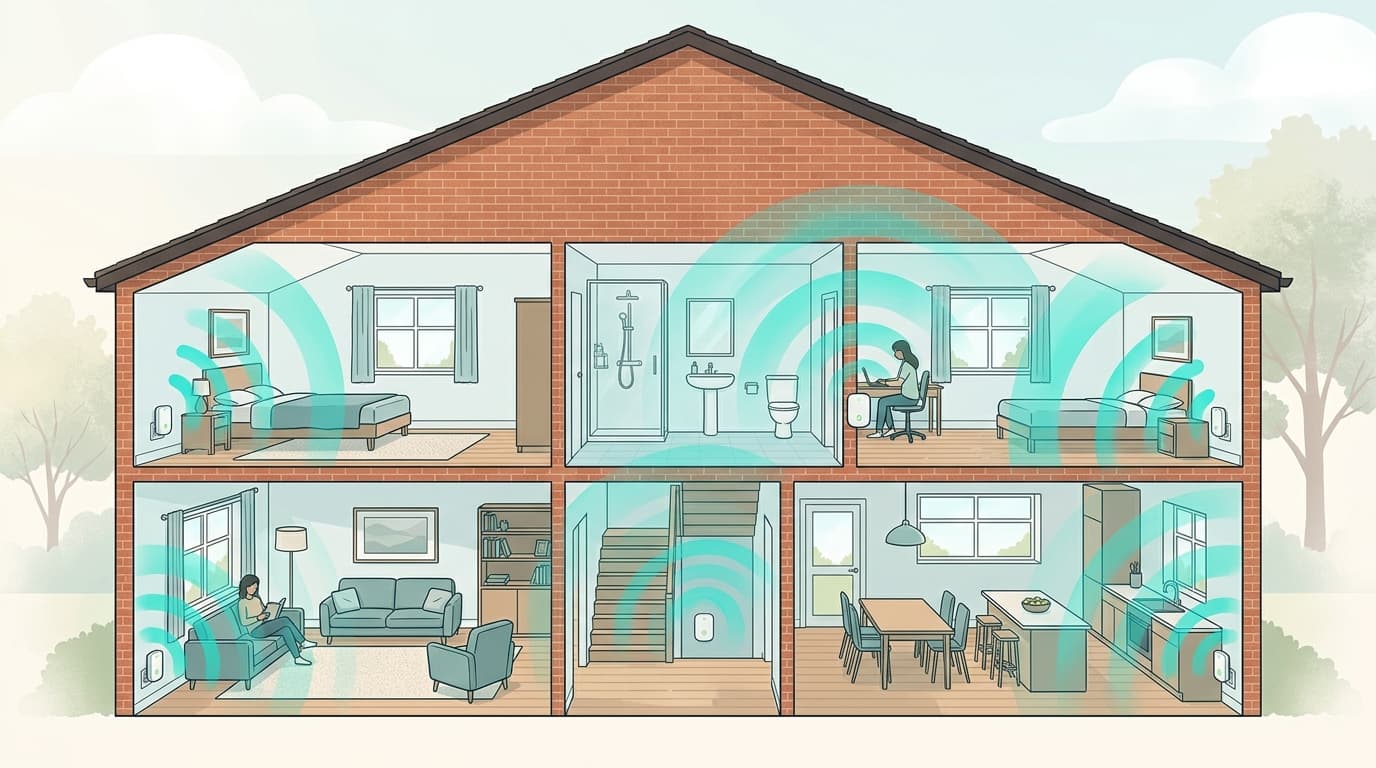
Why does 5 GHz run out of breath before 2.4 GHz?
A matter of physics before a matter of hardware. The higher the frequency, the more a signal weakens over the same distance, even in a vacuum.
Free-space loss follows a formula published for decades. Here is what it gives at 10 metres from the box, with no wall at all, for a box transmitting at the same power on each band.
| Band (reference channel) | Loss at 10 m | Gap versus 2.4 GHz | Signal received compared with 2.4 GHz |
|---|---|---|---|
| 2.4 GHz (channel 6, 2,437 MHz) | 60.2 dB | reference | reference |
| 5 GHz (channel 36, 5,180 MHz) | 66.7 dB | + 6.6 dB | about 4.5 times weaker |
| 5 GHz (channel 100, 5,500 MHz) | 67.3 dB | + 7.1 dB | about 5 times weaker |
| 6 GHz (6,185 MHz) | 68.3 dB | + 8.1 dB | about 6.4 times weaker |
Calculation by Nicolas, free-space path loss FSPL = 20·log10(d in km) + 20·log10(f in MHz) + 32.44, run on 20 October 2026. The calculation contains no wall.
Read the second line like this: a phone 10 m from the box on 5 GHz suffers the same loss as a phone 21 m away on 2.4 GHz. In a house, every partition then adds to that starting loss. That is why a room that "picks up badly" often picks up better on 2.4 GHz, and why the speed advertised by your subscription has nothing to do with it.
Which band for which device?
Five families of device, five answers.
| Device | Recommended band | Why |
|---|---|---|
| Smart TV, console | 5 GHz, or better an Ethernet cable | Sustained speed, fixed device, close by |
| Remote-work computer, video calls | 5 GHz in the same or the next room | More stable latency, less contested channels |
| Phone, tablet that moves around | Both, depending on the room | The band has to follow the movement |
| Smart plug, camera, scales, older printer | 2.4 GHz | Little speed needed, lots of range, often unable to do otherwise |
| Distant room or garden | 2.4 GHz | The only band that still arrives with a usable signal |
For television, no band beats a cable. A box serving 4K video always does better with its decoder plugged in over Ethernet, as our six-step method against slow internet explains.
Why does my phone stay on the wrong band?
Because nobody asks it to change.
Most Belgian boxes broadcast both bands under one network name and let the device, or the box, decide. But a device generally switches only when its signal collapses, not when a better band becomes available. A phone that walked in through the garden door can stay hooked to a saturated 2.4 GHz band while a free 5 GHz band sits three metres away.
At Proximus, the help page on intelligent Wi-Fi states that the modem picks each device's band itself. In that mode, the 5 GHz network disappears from the list of networks, but it still exists. Proximus's description also warns that a device not on 2.4 GHz at the moment of activation loses its connection.
To force a fresh choice, the method is well known: make the device forget the network, then reconnect it. It will pick the strongest band at that moment. To see where it currently sits, the connected-devices list in the box interface usually shows the band, and Android displays it in the network details.
Should you split the two Wi-Fi networks?
Only in three cases.
- Several devices slow down together, in the evening, while the line itself is healthy.
- A connected gadget refuses to join because the box pushes it towards a 5 GHz band it does not know.
- A distant room keeps dropping because the device sticks stubbornly to a 5 GHz signal that is too weak.
Outside those three cases, leave it alone. Splitting creates no speed, it only moves the decision from the box to you: devices left on 2.4 GHz simply cap lower.
The procedure comes down to giving each band its own name, for example "Home-2.4" and "Home-5", then connecting devices by hand. Selectra notes in its 17 September 2026 snapshot that Belgian boxes often share one name by default. The procedure depends on the model: on the Proximus forum, at least one subscriber thread reports that splitting was impossible on their modem. Check your own model's interface before promising anything to the family.
Thirteen channels on 2.4 GHz, twenty-three on 5 GHz: the Belgian count
The Belgian count is more generous than the American one. According to the Selectra snapshot of 17 September 2026, which relays the BIPT, Belgium has 13 channels of 20 MHz on 2.4 GHz, against 11 in the United States. Channels 12 and 13 are allowed in Europe, but some imported devices cannot see them, which is why a network set to channel 13 sometimes cannot be found. Channel 9 is then a reasonable fallback.
On 5 GHz, there are enough channels that two neighbours almost never step on each other. Wikipedia counts 22 in Europe, from 5.160 to 5.700 GHz, while Selectra counts 23 based on the BIPT: the two sources do not count in the same way. Some of those channels can conflict with weather or military radar, hence the dynamic frequency selection the IEEE recommends, and hence a box that sometimes changes channel without warning.
A saturation benchmark from the same snapshot: in the evening, fewer than six visible networks signal a calm neighbourhood, between six and fifteen a busy one, more than fifteen a dense building. Proximus modems broadcast a second public network that inflates the count, so do not panic at a high number without checking.
And the 6 GHz band of Wi-Fi 6E and Wi-Fi 7?
It is the third band, and it is open in Belgium. A BIPT decision of 20 October 2021 sets the technical conditions for Wi-Fi equipment on the 6 GHz band, as the regulator's publication states. Selectra describes it in September 2026 as the lower part of the band, from 5,945 to 6,425 MHz, restricted to indoor, low-power use; the upper part, open in the United States, is not open here.
That adds 480 MHz for Wi-Fi, or three 160 MHz channels according to Wikipedia. The regulator mentions a theoretical speed of up to 11 Gb/s. It also says that moving to Wi-Fi 6E is not mandatory and that devices without 6 GHz keep working. Range, for its part, is the shortest of the three bands: see the last line of the calculation above.
On the operator side, the Selectra snapshot of 1 September 2026 gives the following picture.
| Operator | Wi-Fi standard supplied | Bands |
|---|---|---|
| Proximus | Wi-Fi 7 with the Internet Box+ Wi-Fi 7, reserved for Flex+ packs | 2.4, 5 and 6 GHz |
| Telenet | Wi-Fi 6 | 2.4 and 5 GHz |
| Orange | Wi-Fi 6 | 2.4 and 5 GHz |
| Digi | Wi-Fi 6, Wi-Fi 7 on the 10 Gb/s plan at €20 a month | 2.4 and 5 GHz, plus 6 GHz on the Wi-Fi 7 plan |
Indirect snapshot, Selectra, 1 September 2026. The page does not give VOO's Wi-Fi standard. Price of Proximus's Internet Box+ Wi-Fi 7: Flex+ packs at €77.99 a month with Internet Giga Fiber and €119.99 with Ultra Fiber. A Wi-Fi 7 router bought on its own starts around €119.99 according to the same source.
Wi-Fi 7 therefore only makes sense if your phone or computer understands it too. Before paying, have a look at our guide to replacing your box with your own router.
Brussels, Flanders, Wallonia: the building decides the band
The band has nothing to do with fibre coverage, but housing does change from one region to another. FTTH (fibre to the home) rollout remains uneven (around 78% in Brussels, 71% in Flanders, 44% in Wallonia in mid-2026, figures that keep moving), and that unevenness says nothing about your indoor Wi-Fi. What follows is reasoning from physics and building type, not a measurement.
| Region | Typical housing | Band to favour |
|---|---|---|
| Brussels | Older flats, many neighbours, saturated 2.4 GHz | 5 GHz in the box's room, cable or powerline for the rest |
| Flanders | Recent houses in estates, light partitions | 5 GHz almost everywhere, 2.4 GHz for the garden |
| Wallonia | Older houses in solid brick or stone | 2.4 GHz for distant rooms, a second access point soon needed |
This table is reasoning, not a survey: a cellular-concrete partition in Ghent and a stone wall in Namur do not attenuate a signal the same way, and the only way to know is to try. Our comparison of extenders, powerline and mesh takes over when no band is enough.
Five mistakes that keep coming back
- Measuring speed over Wi-Fi then blaming the subscription: a reliable test is done by cable, preferably between 7 pm and 9 pm, as the BIPT recommends according to the Selectra snapshot of 17 September 2026.
- Switching off 2.4 GHz "to go faster" and watching the smart plug, camera or printer vanish.
- Buying a single-band extender in a flat; Proximus itself advises against this kind of booster in flats.
- Putting the box on the floor or in a closed cabinet, when a central, high position more than thirty centimetres from other emitters helps more than any setting.
- Confusing Wi-Fi 5 and 5 GHz: the first is a standard, the second a frequency.
All of it can be checked in ten minutes. Our guide to testing your speed without skewing the result gives the full protocol.
Débit & technologie comparator
Compare all débit & technologie side by side.
Compare now →
Frequently asked questions
Nicolas suit le marché belge des télécoms et le déploiement de la fibre depuis plus de huit ans. Ancien technicien réseau devenu analyste indépendant, il teste lui-même les connexions qu'il compare : il mesure les débits réels à différentes heures de la journée, lit les conditions ligne par ligne et traque les hausses de prix qui tombent après douze mois. Son objectif : aider les ménages belges à choisir une offre fibre qui tient ses promesses, au bon débit et au juste prix, sans jargon ni argument commercial.