Your page takes eight seconds to load and the video call freezes every two minutes. Before blaming the plan, know that slowness comes far more often from the home than from the line, and that a cable test settles the question in five minutes. Here is the method in six steps, in order, with times, equipment, and what a technician visit will cost you if you call too soon.
Is your connection slow, or just your Wi-Fi?
These are two different problems.
Wi-Fi is a local radio network: it carries what the line delivers, it produces not one drop more, and it loses speed at every wall, every floor, every extra connected device. The line is what you pay for. Confusing the two leads straight to the wrong purchase: people switch plans over a radio coverage issue, buy an extender for a line fault, and nothing improves.
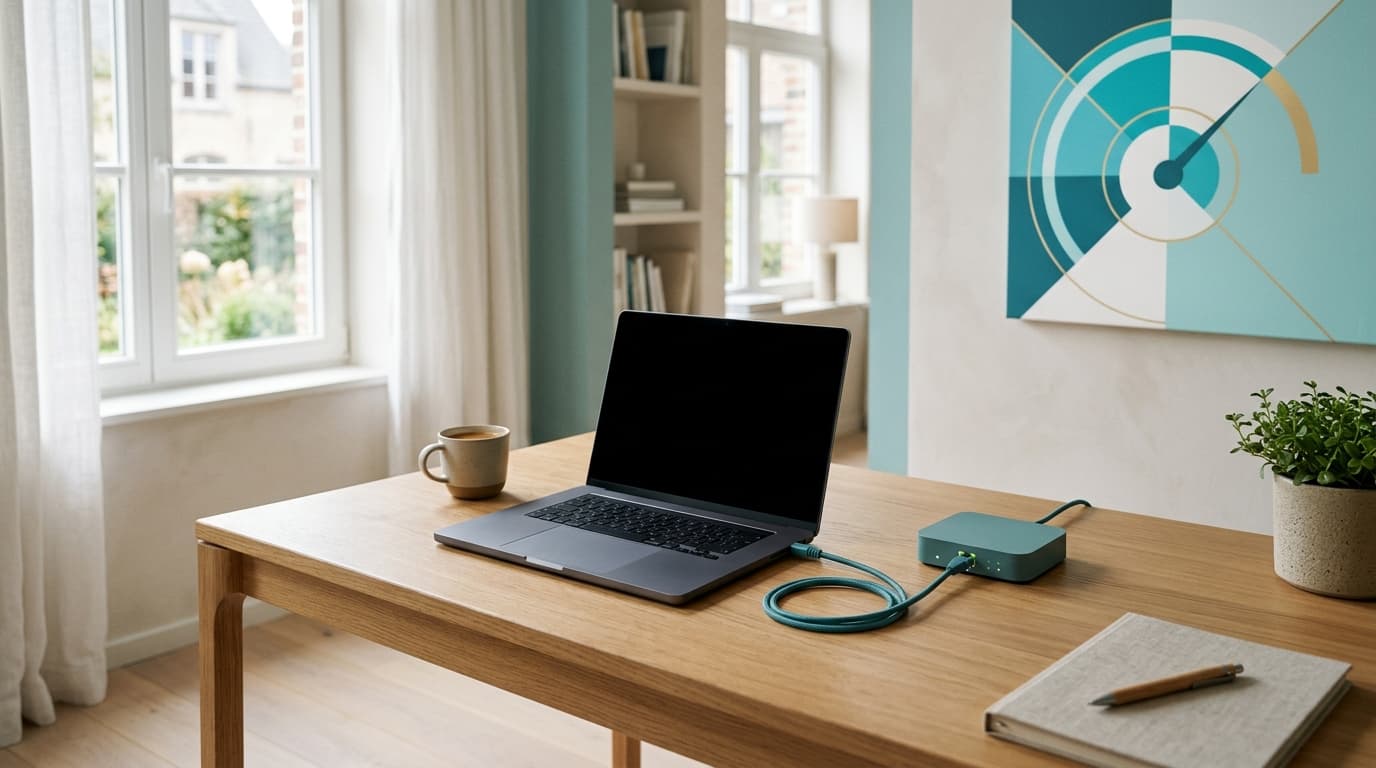
The test that separates them takes one cable. Plug a computer into a router port, turn its Wi-Fi off, close the tabs and measure.
The method in six steps, in order
The order matters as much as the steps. Each one eliminates a hypothesis, and skipping the first wastes the other five.
- Measure over Ethernet, at the router. Cable in, Wi-Fi off, one application open. Compare against the speed in your contract, not the one in the advert. Our guide on testing your speed without skewing the result sets out the conditions and the tool to choose.
- Repeat the test on a second device. A recent phone, over Wi-Fi, a metre from the router. If it flies while the computer crawls, the fault is in the computer.
- Restart the router, once. Thirty seconds unplugged, two to five minutes of resynchronisation. The router takes the opportunity to pick a less crowded Wi-Fi channel, which is often enough in an apartment block.
- Check which band you are on. Many devices stay hooked to 2.4 GHz, which passes through walls better but tops out low, while 5 GHz is available on the same router. Force it from your provider's app.
- Move it, clear it, or wire it. A router on the floor, inside a closed cabinet or behind a television loses a considerable share of its range. If the room stays out of reach, our comparison of extender, powerline and mesh gives the answer suited to the type of building.
- Open a ticket, with your figures. And only now.
| Step | Time | Equipment | Cost |
|---|---|---|---|
| 1. Ethernet test | 5 minutes | An RJ45 cable, a computer | 0 € |
| 2. Second device | 5 minutes | A phone or tablet | 0 € |
| 3. Router restart | 5 minutes | Nothing | 0 € |
| 4. Switch to 5 GHz | 10 minutes | The provider's app | 0 € |
| 5. Moving or wiring | 20 to 60 minutes | Possibly a 10 to 20 m cable | 0 to 25 € |
| 6. Provider ticket | 15 minutes, then waiting | Your dated readings | 0 €, or see below |
Why the evening, and not the morning?
The answer depends on the technology serving your street, and that is where Belgium splits in three.
On a coaxial cable connection, the capacity of a segment is shared between the homes it serves. When the neighbourhood settles down to Netflix at 9 pm, everyone receives less. No household setting corrects that.
On an FTTH line, where fibre runs all the way to the home, the peak hour effect is far more discreet, and evening slowness comes more often from inside: a console downloading a 90 GB update, a cloud backup scheduled for the night.
This difference is not spread evenly across the country. In mid 2026, FTTH coverage runs at roughly 78 % of homes in Brussels, 71 % in Flanders and 44 % in Wallonia: a Brussels or Flemish household stands a good chance of already being on fibre, where neighbourhood congestion barely shows, while a large share of Walloon homes remain on the coaxial cable of the former VOO network or on copper, where peak hour is a measurable reality. The coverage atlas of BIPT, the Belgian telecoms regulator, shows the technology actually available at your address.
One device crawls: should you look any further?
No. If one device crawls while the others fly, the network is not at fault.
The suspects are always the same: a Wi-Fi card limited to 2.4 GHz on a laptop over eight years old, a corporate VPN routing all traffic through a distant server, a full disk. Telenet admits as much in its help pages: on a laptop running a company VPN, the provider can do nothing.
Does a technician visit cost anything if the fault is inside your home?
Yes, and that is exactly why the first five steps come before the phone call.
Belgian price lists set a simple rule: the visit is free when the fault sits on the network, chargeable when it sits in your installation. The technician decides on the spot. Here is what the official documents publish, recorded on 18 September 2026.
| Provider | Visit when the fault is yours | Surcharges | Missed appointment |
|---|---|---|---|
| Telenet | 85 € call-out and first quarter of an hour, then 25 € per 30 minutes started | +15 € in the evening, +5 € on Saturday, 130 € for an urgent slot | 85 € |
| Orange Belgium | 59 € repair charge if you caused the damage or request a specific intervention | +30 € in the evening between 6 pm and 8 pm and at weekends | 39 € |
| Proximus | No repair rate published in the price list consulted today | Not published | Not published |
| Digi | No repair rate published in the price list consulted today | Not published | Not published |
Two things to take from this. The first lies in Telenet's exact wording, that the 85 € applies «only if the cause of the repair is due to you, the customer»: an hour-long Saturday visit for an unplugged cable can therefore exceed 150 €, while a network fault costs nothing. The second is the admission at the bottom of the table: two providers out of four do not publish this rate, which does not mean it does not exist, and it is worth asking before booking the slot.
The six things to note before calling
A ticket without figures closes without a result. Before you dial, gather:
- Three Ethernet measurements, with the date, the time, the download speed and the upload speed.
- The exact contractual speed, as it appears on the bill, not the one on the sales page.
- The router model and the state of its indicator lights during the problem, before any restart.
- The shape of the problem: permanent, daily at a fixed hour, or in bursts of a few minutes.
- The devices affected, and above all the ones that are not.
- The list of steps already taken, so the help desk does not start you from scratch.
When is the provider at fault, and what can you demand?
The framework is European, and more favourable than people assume.
Regulation (EU) 2015/2120 provides that a significant, continuous or regularly recurring discrepancy between the actual performance of the internet access service and the performance stated in the contract amounts to a non-conformity. The consequence is not automatic: it triggers the remedies available under national law and assumes the discrepancy is established, ideally through a recognised measurement mechanism.
Take care not to confuse two regimes. Statutory flat-rate compensation targets service interruption, with its thresholds and exclusions, detailed in our article on internet outages and compensation. A speed durably below contract follows a different route: a written complaint, then the Telecommunications Ombudsman Service. BIPT, the Belgian regulator, publishes its own procedure for measuring a fixed line that seems slower than promised. Following it makes the measurement usable as evidence.

Should you change plan, router or provider?
Sometimes, but never before the diagnosis.
Changing plan only helps in one case: the line does deliver the expected speed, and that speed is genuinely insufficient for the household. Going from 100 to 500 Mbps will not fix Wi-Fi that cannot cross a concrete floor. Changing provider only makes sense if the technology available at your address is better with a competitor, which happens often in recently fibred streets.
That leaves the case where everything works as designed and the plan itself is the problem: our ranking of the best fibre internet plans in Belgium exists to settle that point, once the household diagnosis is done. The intervention rates quoted here were recorded on 18 September 2026 at Telenet and Orange Belgium; they change.
Débit & technologie comparator
Compare all débit & technologie side by side.
Compare now →
Frequently asked questions
Nicolas suit le marché belge des télécoms et le déploiement de la fibre depuis plus de huit ans. Ancien technicien réseau devenu analyste indépendant, il teste lui-même les connexions qu'il compare : il mesure les débits réels à différentes heures de la journée, lit les conditions ligne par ligne et traque les hausses de prix qui tombent après douze mois. Son objectif : aider les ménages belges à choisir une offre fibre qui tient ses promesses, au bon débit et au juste prix, sans jargon ni argument commercial.