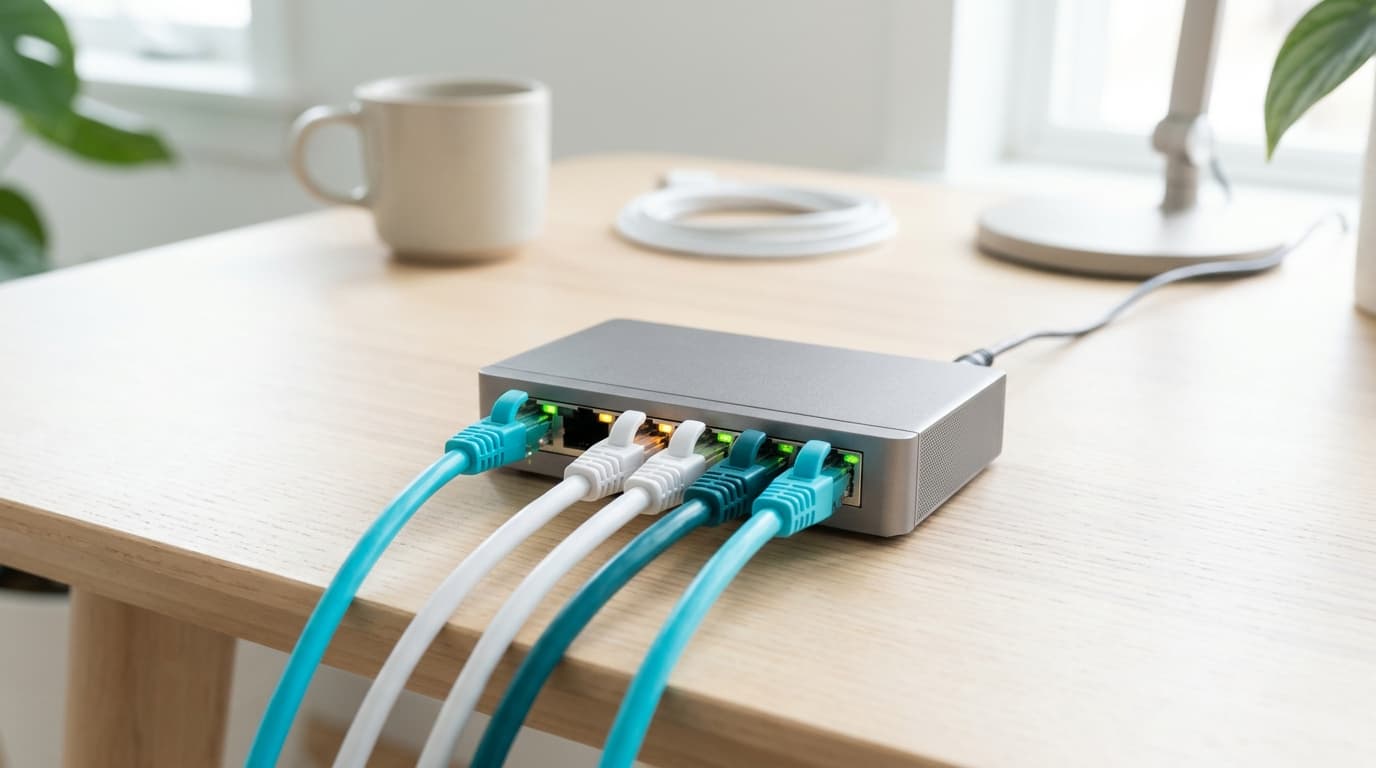
An Ethernet switch lets you plug more wired devices into a box, it does not make anything faster: it adds sockets, never megabits. It is only worth buying if the box ports run out, and only if its own link to the box does not hold anything back.
Switch, hub, power strip: what is the difference?
Three words, two devices. A switch (commutateur in French) is a box of RJ45 sockets that receives data and sends it only to the port where the recipient sits.
The hub is its ancestor. It copies everything to every port and shares the bandwidth between them, which has made it obsolete for twenty years. As for the "Ethernet power strip" on shop shelves, it is almost always a small switch.
Do you need a switch with a Belgian box?
Often not.
First count your wired devices: a console, a TV box, a NAS, a desktop PC, a printer. If their number is lower than or equal to the free ports on the box, there is nothing to buy. I took the ports of Belgian boxes from a CallMePower summary, consulted on 1 September 2026.
| Box | Ethernet ports | Where you get it |
|---|---|---|
| Proximus Internet Box | 4 ports at 1 Gb/s | Wherever Proximus is present |
| Proximus Internet Box+ | 3 ports at 2.5 Gb/s, 1 port at 10 Gb/s | Same |
| Telenet F@ST3896LG-TN | 3 ports at 1 Gb/s, 1 port at 2.5 Gb/s | Flanders and Brussels |
| Telenet 360° Fiberbox | 3 ports at 1 Gb/s, 1 port at 10 Gb/s | Flanders and Brussels |
| Orange Livebox | 1 port at 2.5 Gb/s, the others gigabit | Depends on the address |
Four ports look like plenty, until a TV box, a console, a NAS and a home-working PC land in the same room. At that point a switch becomes the logical answer, well before a second router. To know what serves your address, look at the wholesale network: in mid-2026 fibre covered roughly 78 % of Brussels homes, 71 % in Flanders and 44 % in Wallonia, figures that keep moving.
Which specifications should you check before buying?
The criteria come before the models, because they eliminate three quarters of the shelf.
- Number of ports. Five suits a desk, eight a well-equipped living room. Take one more than you need, never two.
- Port speed. Gigabit (10/100/1000) for the vast majority of uses. 2.5 Gb/s only if a device or the box demands it.
- Unmanaged. A model you plug in and use, with no interface or settings, covers a home. VLANs only matter on professional networks.
- PoE, only if needed. It powers a camera or access point through the cable, under the Power over Ethernet standard.
- Metal case, no fan. It dissipates heat and stays silent in a living room.
Does a gigabit switch slow down a 2.5 Gb/s plan?
It can, and it is the costliest buying mistake in this category.
The reasoning fits in three lines. The link between the switch and the box negotiates the lowest speed common to both ends, and since every device behind the switch has to go through that single link to reach the internet, it decides what they can share, whatever the number of ports. A gigabit switch plugged into a 2.5 Gb/s port therefore runs at 1 Gb/s, about 940 Mb/s usable.
| Situation | Switch to box link | What you need |
|---|---|---|
| Internet Box with 4 × 1 Gb/s, plan up to 1 Gb/s | 1 Gb/s | Gigabit switch |
| Internet Box+ or Livebox, plan above 1 Gb/s | 2.5 Gb/s on the fast port | Switch with a 2.5 Gb/s port |
| Transfers between devices on the same switch (NAS, PC) | Stays inside the switch | Gigabit is enough |
| NAS and PC at 10 Gb/s, 10 Gb/s port on the box | 10 Gb/s | 10 Gb/s switch |
Exchanges between two devices on the same switch never go through the box. A PC copying a file to a NAS plugged in beside it therefore gets the full speed of the switch, without touching the subscription.
Which switch should you choose, and how much power does it use?
I have not tested any of these models. The figures come from the official TP-Link and Netgear data sheets consulted on 28 October 2026, and I quote no shop price: it changes from week to week.
| Range | Model | Ports | Maximum power (data sheet) | Yearly cost at €0.20 and €0.35/kWh |
|---|---|---|---|---|
| Gigabit, 5 ports | Netgear GS305 | 5 × 1 Gb/s | 2.34 W | €4.10 and €7.17 |
| Gigabit, 5 ports | TP-Link TL-SG105 | 5 × 1 Gb/s | 3.0 W | €5.26 and €9.20 |
| Gigabit, 8 ports | Netgear GS308 | 8 × 1 Gb/s | 3.04 W | €5.33 and €9.32 |
| 2.5 Gb/s, 5 ports | TP-Link TL-SG105-M2 | 5 × 2.5 Gb/s | 12.11 W | €21.22 and €37.13 |
My calculation applies the rule of 8.76 kWh per watt per year to the maximum power, so the worst case: an idle switch uses less. I used the two kWh prices from our article on internet box power consumption.
Netgear states a limited lifetime hardware warranty for the GS305. TP-Link does not give it on the page I consulted. Zyxel and D-Link sell similar ranges, which I do not detail for lack of verified data sheets.
How do you connect it in five steps?
Allow five minutes and no tools.
- Find a free port on the box, preferably the fastest one if the plan goes beyond 1 Gb/s.
- Link that port to any port on the switch with a Cat 5e or Cat 6 cable, as explained in our guide to Ethernet cable categories.
- Plug the switch's power supply into a wall socket, not into the box.
- Then plug each wired device into the other ports.
- Check the lights: every occupied port should light up, and colour or blinking generally shows the negotiated speed, according to the model's manual.
Configure nothing. If a device stays silent, change the cable before suspecting the switch.
Which mistakes should you avoid when buying?
Five come up again and again:
- Buying a 10 Gb/s switch with no 10 Gb/s device and no matching port on the box.
- Plugging a gigabit switch into the 2.5 Gb/s port of the Internet Box+ for a plan faster than gigabit.
- Paying for PoE that no device will use.
- Chaining four switches in a row instead of one with eight ports.
- Replacing a faulty cable with a switch: the problem stays.
If your problem is weak Wi-Fi, no switch fixes it: look at the repeater, powerline or mesh comparison or the guide to replacing your box with your own router.
The box ports come from the CallMePower summary (indirect check, 1 September 2026). Switch specifications come from the manufacturer data sheets cited above. How a switch works is described in the Wikipedia article on the network switch.
Débit & technologie comparator
Compare all débit & technologie side by side.
Compare now →
Frequently asked questions
Nicolas suit le marché belge des télécoms et le déploiement de la fibre depuis plus de huit ans. Ancien technicien réseau devenu analyste indépendant, il teste lui-même les connexions qu'il compare : il mesure les débits réels à différentes heures de la journée, lit les conditions ligne par ligne et traque les hausses de prix qui tombent après douze mois. Son objectif : aider les ménages belges à choisir une offre fibre qui tient ses promesses, au bon débit et au juste prix, sans jargon ni argument commercial.