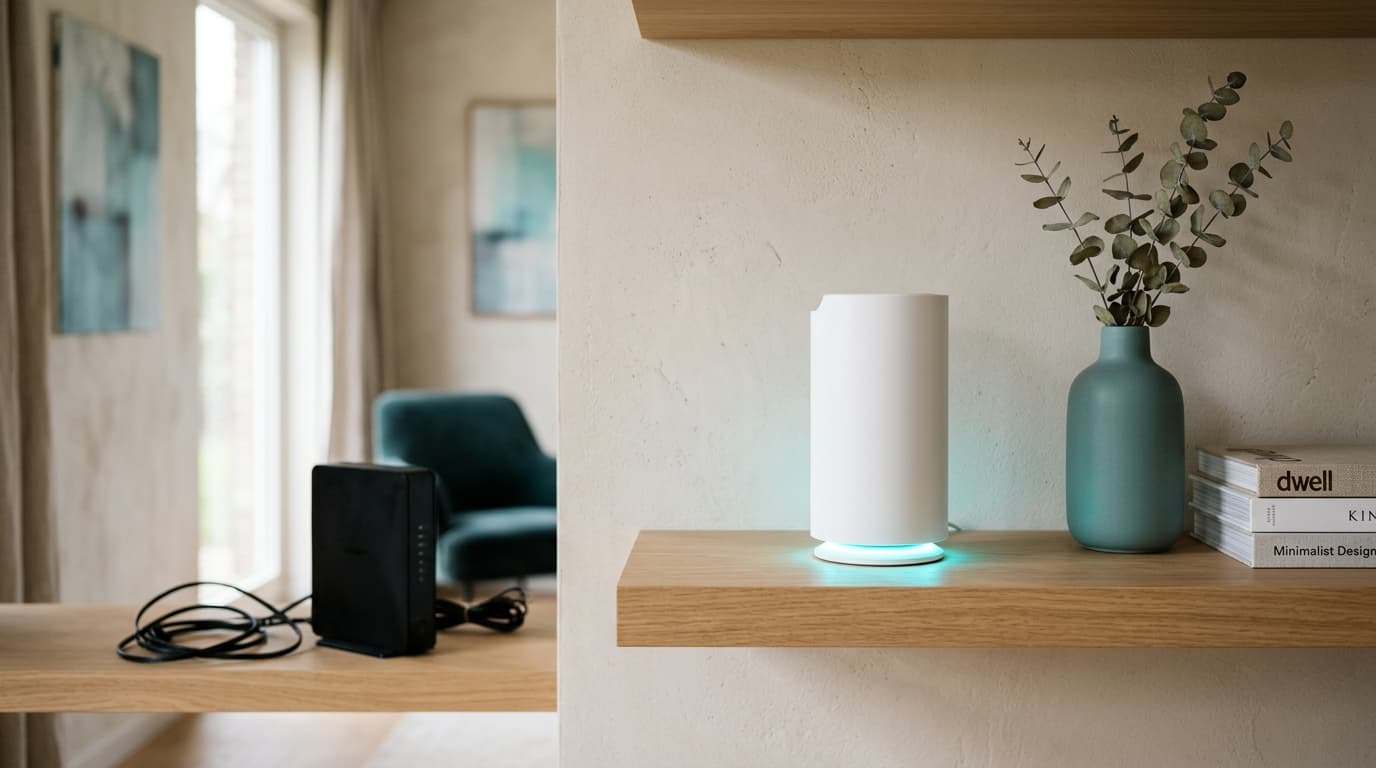
Since 1 November 2024, a customer in Belgium can legally unplug their operator's box and replace it with their own router. That was not the case before. The principle is simple, the execution far less so: depending on the operator, the mode chosen and the device plugged in behind it, the experience ranges from a ten-minute setup to a headache that ends with a returned parcel. Here is what the law says, what Proximus, Telenet, Orange, VOO and Digi actually allow, and the two situations where you should leave things alone.
Since when can you replace your box with a router in Belgium?
Since 1 November 2024, exactly.
BIPT, Belgium's electronic communications regulator (known as IBPT in French), issued its ruling on 26 September 2023 and gave operators a year to adapt. The decision rests on a 2008 EU directive that already guarantees, on paper, free choice of terminal equipment. Before that date, almost every Belgian connection required the operator's own box, officially for reasons of security and network compatibility.
Orange Belgium challenged the decision in court, arguing it threatened network interoperability and security. The challenge was rejected. Judges found the argument unfounded, noting that consumer routers and mesh systems already handle without difficulty the protocols used on Belgian DSL, cable and fibre lines.
The ruling carries three precise exclusions: TV decoders, classic fixed-line telephony (PSTN and ISDN), and plans sold with a contractual premium quality of service. On those three points, the operator keeps control.
Bridge mode or full replacement: two different paths
Two approaches. Not one, and they call for different hardware.
Bridge mode keeps the operator's box plugged into the wall socket but switches off its router function. It becomes a plain modem that passes the connection through to the next device, without assigning it an IP address of its own. This is the simpler path: no special hardware is required on fibre or cable, an ordinary Wi-Fi router does the job, and the box keeps handling the part the operator understands best.
Full replacement removes the box altogether. Your router must then include a modem matching the line itself: DSL, DOCSIS cable, or fibre on the correct optical standard (AON, GPON or XGS-PON, which are not interchangeable). This is the more demanding path, and the only one where a hardware mismatch means no connection at all.
Double NAT, the quiet fault behind a bad setup
This is where most people get stuck, and nobody sees it coming.
When the box stays in router mode and a second router is plugged in behind it without going through bridge mode, both devices perform their own address translation. Traffic then crosses two layers of network address translation instead of one. Nothing looks broken at first glance: the connection works, pages load. It is further along that it bites, on anything that needs to be reachable from outside.
An online game reports a strict NAT type instead of an open one, a video call drops for no obvious reason, and a home server, a security camera or a port forward simply refuse to answer, three very different symptoms sharing exactly the same invisible cause. The full diagnosis of this issue, and how to fix it, is covered in our separate article on NAT type and how to open it. Here, the rule fits one sentence: only one device on the line should ever perform NAT, never two at once.
Proximus, Telenet, Orange, VOO, Digi: who allows what?
On paper, all five. In practice, each runs its own version of bridge mode, with its own gaps.
| Operator | Bridge mode | Full replacement | TV decoder in bridge mode | Support if something breaks |
|---|---|---|---|---|
| Proximus | Yes, via the b-box's advanced interface | Not officially documented | No, the decoder needs a direct b-box connection | None on third-party hardware |
| Telenet | Yes, but limited to the CV8560E and F@ST3896LG-TN modems | Not offered to residential customers | No, Digibox and Digicorder units lose the connection | Limited to activating the mode |
| Orange / VOO | Yes, one device plugged into the modem's dedicated port (VOO's own guide) | Not offered for VOO (Orange's court challenge was rejected) | Yes for Orange TV, but VOO's TV+ box needs a temporary switch back to router mode during updates | Standard, excluding troubleshooting of the third-party router |
| Digi | Yes, via the fibre unit's bridge port | Yes, the only operator to fully document the process (PON serial number, PPPoE credentials) | Not applicable, Digi does not sell TV | None, use is explicitly "at your own risk" |
One lesson stands out from that table: Digi is the only one of the five to treat full replacement as a normal option rather than a tolerated one. The other four expect customers to stop at bridge mode, and rarely say so in plain terms.
Does TV stop working if you unplug the box?
In practice, almost always yes, if the decoder is not kept separate from the box.
Digibox, Digicorder and the Evasion or TV+ boxes talk to the operator's network over a broadcast protocol (multicast) that most personal routers do not relay correctly. The operator's box therefore remains the mandatory point of passage for television, whether it sits in bridge mode or ordinary router mode.
What should you check before buying a router?
Three criteria, before you even look at a single spec sheet.
The first is the line's standard. A router with a built-in fibre modem only matches one optical standard at a time: the AVM FRITZ!Box 5530 Fiber, for instance, only works over AON, not GPON or XGS-PON, which are the most common standards on Belgian fibre networks (manufacturer datasheet, checked on 28 September 2026). Going through bridge mode avoids this question entirely, since the operator's box keeps the modem.
The second is the number and speed of the Ethernet ports, especially if your plan goes beyond 1 Gbps: a port capped at gigabit mechanically limits a faster line, as covered in our article on what the ONT box actually does.
The third is how often the manufacturer ships security updates. A retail router, tracked for years by a company that specialises in networking gear, generally gets more regular patches than an operator's box frozen on a generic firmware.
Budget and models: the tiers that actually matter
Three budgets, three uses, no need to go higher for ordinary household use.
| Budget | Example | Real-world benefit | Who it suits |
|---|---|---|---|
| Entry (≈ €75) | TP-Link Archer AX55, Wi-Fi 6 AX3000, 4 Gigabit ports | Replaces the Wi-Fi behind a bridged box | Flats, everyday use, light remote work |
| Mid-range (≈ €170) | AVM FRITZ!Box 7530 AX, Wi-Fi 6 with built-in telephony and VPN | Same, plus a landline and finer settings | Households with an active landline, wanting deeper configuration |
| Advanced (≈ €300) | Ubiquiti UniFi Dream Router, firewall and VLANs included | Network segmentation, detailed application control | Technical users, home automation, demanding remote work |
Prices checked on 28 September 2026 at Belgian retailers, and none of these three routers has been tested on a live line by us. TP-Link, AVM and Ubiquiti sit in three different tiers; Netgear, Zyxel and ASUS cover comparable ranges without changing the logic of the table.
The mistakes that break everything
Five mistakes keep coming back, almost always the same ones.
- Both Wi-Fi networks left on. Keeping the box's Wi-Fi active alongside the new router's creates two competing networks, plus the double-NAT problem described above.
- The wrong optical standard. Buying a router with a built-in fibre modem without checking whether your line runs AON, GPON or XGS-PON, risking a device that simply will not connect.
- Forgetting to switch back to router mode for a TV update. At VOO in particular, a TV box update launched in bridge mode fails and leaves the decoder stuck.
- Expecting operator support. None of the five will troubleshoot a third-party router; customer service checks its own box, not what sits behind it.
- Chaining routers without turning off DHCP on the second one, which causes IP conflicts and random drops.
Two cases where you should leave things alone
Replacing the box is not always the right call, and that deserves saying just as clearly as the opposite.
First case: a household already using its operator's rented mesh pods to cover the whole house. Removing the box breaks that coverage, and you would need to buy a full mesh system to get the same comfort back, often for an equivalent result.
Second case: a line where the TV decoder depends directly on the box, with no streaming alternative planned. It is only worth the trouble if the expected gain, better Wi-Fi or finer settings, clearly outweighs the extra complexity added to the TV side.
BIPT, Belgium's telecom regulator, sets out the exact conditions of this free choice. For the part that stays entirely in the operator's hands, the coverage and real price of the line itself, our ranking of the best fibre internet offers in Belgium remains the most reliable starting point.
Débit & technologie comparator
Compare all débit & technologie side by side.
Compare now →
Frequently asked questions
Nicolas suit le marché belge des télécoms et le déploiement de la fibre depuis plus de huit ans. Ancien technicien réseau devenu analyste indépendant, il teste lui-même les connexions qu'il compare : il mesure les débits réels à différentes heures de la journée, lit les conditions ligne par ligne et traque les hausses de prix qui tombent après douze mois. Son objectif : aider les ménages belges à choisir une offre fibre qui tient ses promesses, au bon débit et au juste prix, sans jargon ni argument commercial.