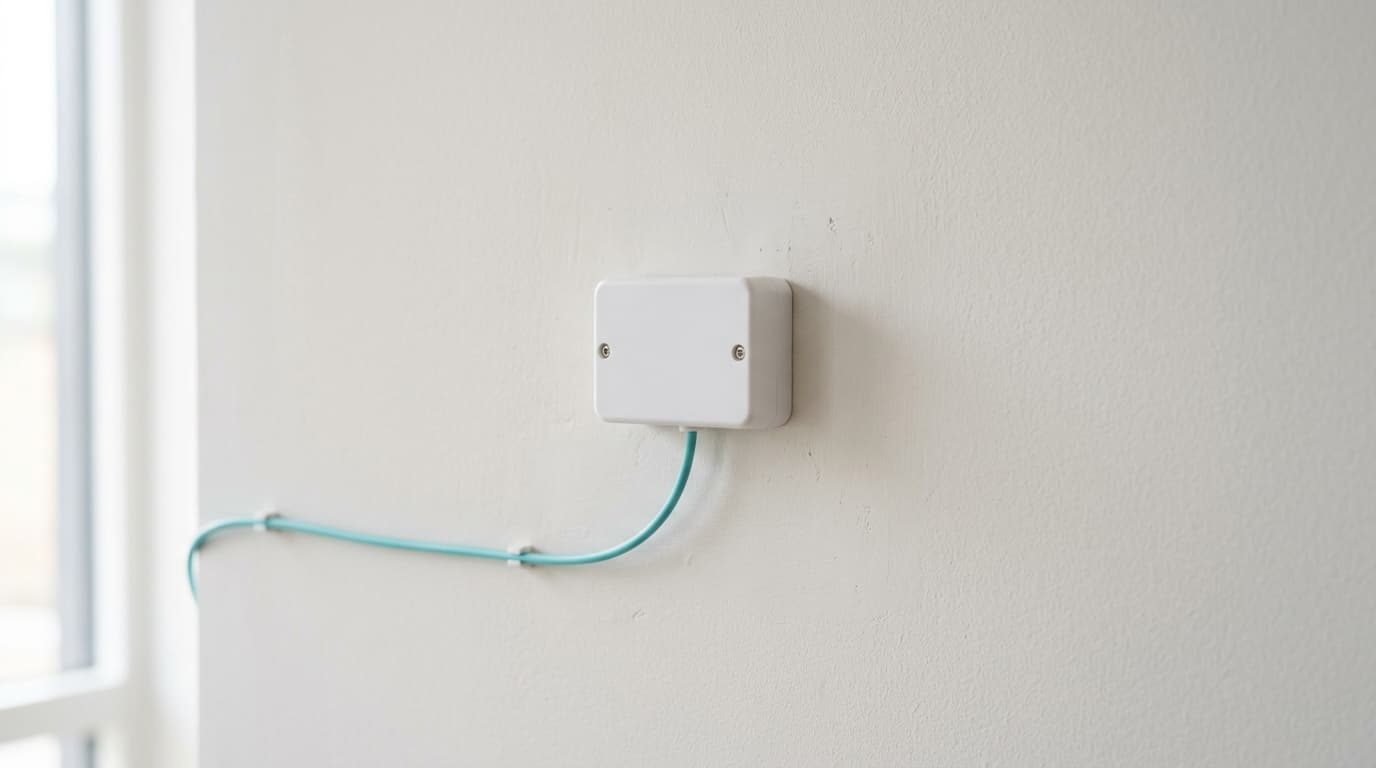
The ONT, short for optical network terminal, is the unit that converts the light arriving through the fibre into an Ethernet signal your box can use. It broadcasts no Wi-Fi and manages no device. Its only job is translation, and yet its generation decides which plans you can actually order at your address.
What is an ONT box, exactly?
A translator, nothing more.
Light pulses travel through the fibre, sent at around 1,490 nanometres downstream and 1,310 nanometres upstream. No computer, no television, no box can read that language directly. The ONT receives the beam, converts it into an electrical signal, and presents it on a plain RJ45 port, the same kind you would plug an ordinary Ethernet cable into.
The neighbouring term ONU, for optical network unit, covers the same family of equipment on the subscriber side. The distinction is mostly operator jargon.
Optical termination point, ONT, box: which does what on the wall?
A Belgian FTTH (fibre to the home) installation has three units, not one. French forums talk about a PTO and a box; the vocabulary used by the technicians working here is a little different, and the confusion regularly costs a call to support.
| Unit | Powered? | Function | Who installs it |
|---|---|---|---|
| Optical termination point | no | splices the street fibre and offers an optical socket | the network builder |
| ONT | yes | converts light into Ethernet | the builder or the operator |
| Internet box | yes | Wi-Fi, network addresses, firewall, telephony | the operator |
Between the first and the second runs a thin optical patch cord a few dozen centimetres long. Between the second and the third, an ordinary Ethernet cable, which Cat 6 covers comfortably. With Proximus, doing all of this yourself is free, and costs €79 if you ask for a technician where self-installation was possible, a rate checked on 20 September 2026 on the internet subscriptions page.
Does every Belgian operator use an ONT?
No, and this is where geography steps in.
On a coaxial line the signal already arrives in electrical form: the wall unit there is a cable modem, with no optics inside at all. The ONT only exists on genuine FTTH, meaning connections built by Proximus, by Fiberklaar in Flanders or by Wyre, as well as on the network Digi is rolling out itself.
The consequence can be read off a map. With FTTH coverage running at roughly 78% of homes in Brussels, 71% in Flanders and 44% in Wallonia by mid-2026, a reader in Brussels or Flanders stands a good chance of having an ONT on the wall, while a reader in Wallonia still served by the old coaxial network will never see one. The coverage atlas published by BIPT, the Belgian telecoms regulator, shows what actually serves a given address.

GPON or XGS-PON: which one is behind your wall?
The fibre entering your home is not yours alone. It is shared, and the protocol organising that sharing is called PON, for passive optical network.
GPON, standardised by the ITU as G.984, carries 2.488 Gbps downstream and 1.244 Gbps upstream, split between up to 64 subscribers hanging off the same splitter, over some twenty kilometres. XGS-PON, its successor, carries 9.953 Gbps symmetrically, and a domestic terminal of that generation such as the Nokia XS-010X-Q offers a single RJ45 port negotiating anywhere from 100 Mbps to 10 Gbps.
That figure of 64 explains a great deal of evening slowdown, and it also explains why an operator never sells the raw capacity of its fibre.
Your ONT decides what you can order
Here is the part generic guides skip, because it means opening the Belgian catalogue. On 20 September 2026 I went through the four internet-only Proximus plans, on a page carrying the note "updated on 17/08/2026".
| Plan | Down | Up | Ratio | Generation required |
|---|---|---|---|---|
| Internet Light Fiber | 100 Mbps | 20 Mbps | 5 to 1 | GPON |
| Internet Go Fiber | 150 Mbps | 30 Mbps | 5 to 1 | GPON |
| Internet Mega Fiber | 500 Mbps | 100 Mbps | 5 to 1 | GPON |
| Internet Giga Fiber | 2 Gbps | 200 Mbps | 10 to 1 | XGS-PON |
The last row is the instructive one. A 2 Gbps downstream plan cannot sit on a GPON link whose raw downstream capacity tops out at 2.488 Gbps shared between dozens of homes: it necessarily implies an XGS-PON terminal, and Proximus does reserve its above-gigabit services for that generation in its equipment documentation. Two neighbours on the same street, connected on different dates, can therefore be offered two different catalogues for the sole reason of the unit screwed to the wall.
One detail finishes the demonstration. XGS-PON is symmetrical, 9.953 Gbps each way, and yet the fastest plan in the table sells ten times less upstream than downstream, at €77.99 a month once the three free months run out. The cap is commercial, not optical, and our article on upstream speeds actually sold in Belgium breaks down the gap plan by plan.
Four things the ONT does not do
Half the complaints aimed at this unit concern functions it never had:
- It broadcasts no Wi-Fi. Poor coverage in a bedroom comes from the box or the building, never from the optical terminal.
- It assigns no local network addresses. DHCP leases, open ports and the firewall are all set in the box interface.
- It speeds nothing up. The subscribed tier is enforced by the operator's network, not by the unit.
- It does not move freely. A short patch cord keeps it next to the optical termination point; relocating the pair is something you ask the technician on installation day.
A light on the ONT goes out: what should you do?
Note the state of the lights before touching anything. Once the unit has restarted the information is gone, and it is exactly what support will ask for.
| Symptom | Most likely cause | What to do |
|---|---|---|
| All lights off | power | check the adapter, the socket and the power strip |
| Optical indicator red, steady or blinking | loss of signal, often upstream | leave the fibre alone, open a ticket |
| ONT normal, box without internet | Ethernet cable or box port | change cable, then port |
| Good speed over Ethernet, poor over Wi-Fi | the home, not the line | follow the six-step diagnostic method |
| Repeated restarts, unit very hot | ventilation or power | clear space around it, report it if it persists |
Does the ONT follow you when you switch operator?
It depends on who installed it, and the answer sits in your contract rather than on a forum.
When the unit was installed by the network builder, it forms part of the building's infrastructure: it stays on the wall, and the next operator reuses it after a remote reactivation. When it was supplied by the operator you are leaving, it appears on the list of equipment to return, along with the box and the decoder. Our guide to switching operator without downtime covers the sequence and the return deadlines, Easy Switch included.
So before comparing speed tiers, check what actually serves your address: our ranking of the best fibre internet plans in Belgium starts from that question rather than from the advertised price.
Protocol characteristics come from International Telecommunication Union recommendations and manufacturer datasheets; plans and prices were checked on 20 September 2026 on the official Proximus pages.
Débit & technologie comparator
Compare all débit & technologie side by side.
Compare now →
Frequently asked questions
Nicolas suit le marché belge des télécoms et le déploiement de la fibre depuis plus de huit ans. Ancien technicien réseau devenu analyste indépendant, il teste lui-même les connexions qu'il compare : il mesure les débits réels à différentes heures de la journée, lit les conditions ligne par ligne et traque les hausses de prix qui tombent après douze mois. Son objectif : aider les ménages belges à choisir une offre fibre qui tient ses promesses, au bon débit et au juste prix, sans jargon ni argument commercial.