Installation & éligibilité
How Does Fiber Installation Work in Belgium, Step by Step?
On installation day, fiber is set up in three stages: the outdoor connection from the street, indoor cabling with the optical socket, then activation and a speed test done in front of you. One or two visits depending on the network, 1 to 3 hours on site, what to prepare, and your rights as a tenant. The full walkthrough, figures recorded in July 2026.
You've ordered fiber, the address is confirmed as connectable, and you've been given an appointment date. That leaves the question everyone asks the night before: what will actually happen on installation day? The good news is that the process is clearly mapped out, with no nasty surprises once you know what to expect. Here, step by step, is how fiber connection works in Belgium, how long it takes, what you need to prepare, and what your rights are. Figures and procedures recorded in July 2026.
How Does Fiber Installation Unfold, Step by Step?
Installation happens in three stages: the outdoor connection from the street to your façade, the indoor cabling with the optical socket, then activation of the router with a speed test carried out in front of you. It's the same sequence regardless of the provider, because it follows the physical path of the signal, from the street to your device.
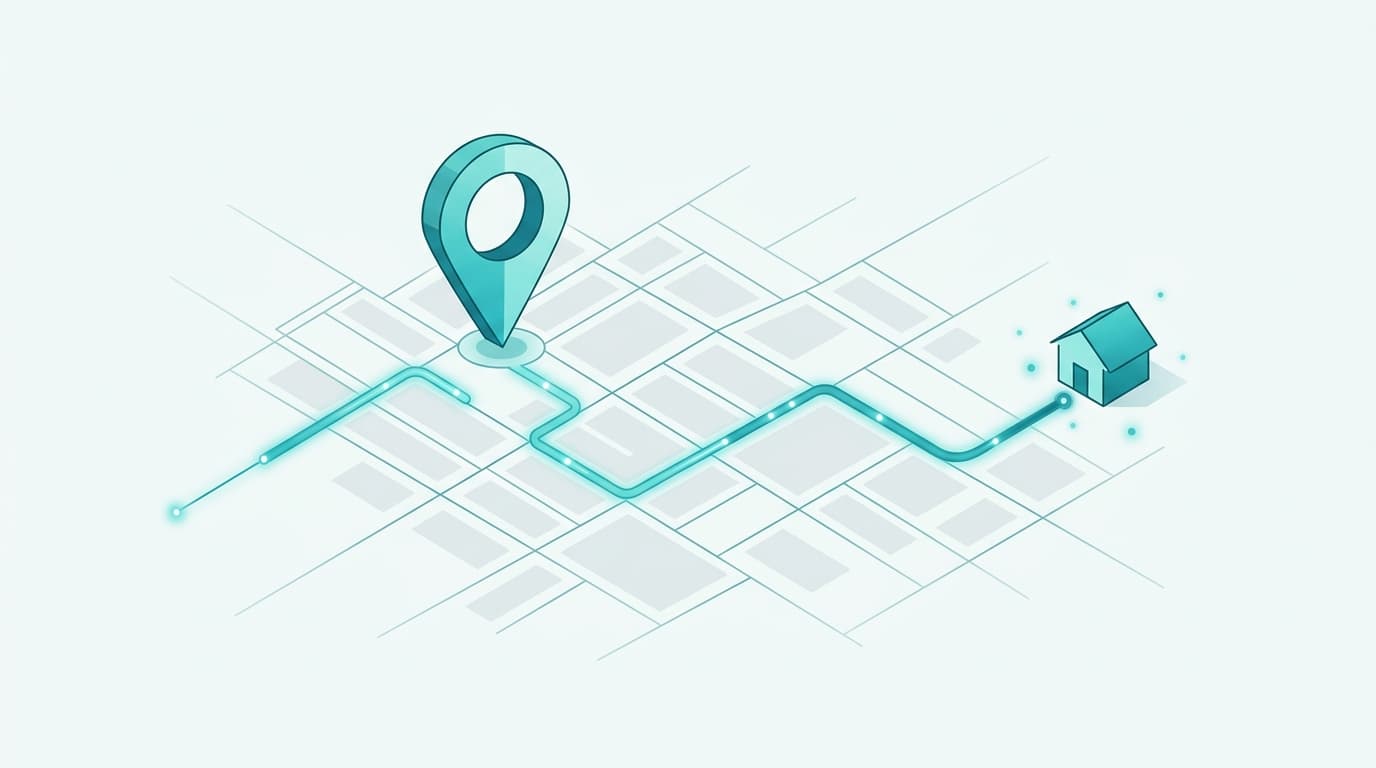
In the first stage, the technician links the fiber from the connection point in the street — a cabinet or a manhole — to your home. As far as possible, they follow the route of the existing telephone cable or a duct already in place. In the second stage, they bring the cable inside, run it to the spot chosen for the modem, and install the fiber connection box, also called the optical termination point (PTO). Next to it, they fit the ONT (Optical Network Terminal), the small box that converts the light signal into one your router can use. The third stage is activation: the technician connects the router, activates the line, and runs a speed test in your presence to confirm the connection holds the expected values.
Once these three stages are complete, your home is on fiber. If you haven't yet settled on a plan, or if you want to compare before committing, use our ranking of the best fiber internet offers in Belgium.
Do You Need One or Two Appointments to Connect Fiber?
It depends on the builder of the network serving your street, not on your commercial provider. On the Proximus network, a single appointment is usually enough: the technician fits the box and activates the connection in the same visit. On the Fiberklaar, Unifiber, or GOfiber networks, two appointments are scheduled.
In that case, the first visit installs the fiber connection box — bringing in the cable and fitting the optical point — and the second installs the internet box and activates the line. The two appointments can be spaced anywhere from a few days to a few weeks apart. This is a common source of confusion: many new subscribers think they are "installed" after the first visit, when the connection is only activated at the second. Your provider tells you the number of visits when you order; it's a question to ask up front if the information isn't clear.
How Long Does the Work Take, and Who Must Be Present?
The work usually takes 1 to 3 hours, and an adult must stay present from start to finish. The technician comes during a slot from Monday to Friday, between 8 a.m. and 6 p.m.; some providers offer half-day appointments.
The duration varies with the layout of the home. A single-story house with an available duct is connected quickly; a multi-floor home, a long run from the street, or a co-ownership building lengthens the visit, sometimes to 4 hours. An adult's presence is required because the technician needs to access the interior, confirm the location of the box and modem with you, and run the final speed test. Factor it in, too, because a missed appointment costs money: at Orange, a 99 € fee is charged if you cancel or postpone less than a day in advance, or if no one is there.
What Should You Prepare Before the Technician Arrives?
Three things: choose where the modem goes, clear the access path, and settle the permissions question if you're not the owner. A little planning turns a laborious installation into a one-hour visit.
First, think about where to place the box and the router. Aim for a central, unobstructed spot near a power outlet: Wi-Fi range throughout the home depends directly on it. Avoid the closed cupboard, the garage, or the isolated basement, which smother the signal. Next, clear access to the façade and the planned indoor route, so the technician can work safely and without shifting your furniture at the last minute. Finally, if you're a tenant, notify your landlord; in a co-ownership building, make sure the property manager is aware. A good spot chosen from the outset saves you from investing later in a repeater or a mesh Wi-Fi system to cover distant rooms.
Will the Technician Damage My Façade or Walls?
No, in the vast majority of cases. The technician always favors existing pathways — ducts, baseboards, sheathing from the old telephone line — before considering any drilling. No hole in a load-bearing wall is needed in almost all installations.
When a duct exists, the fiber cable simply follows the route of the old copper cable, with no visible work. When no passage is available, the technician drills a discreet, small-diameter hole in the façade, which they plug and fully seal once the cable is through. The indoor optical box is compact and mounts on the wall near the modem. If you have an aesthetic or heritage constraint — a listed façade, a recent finish — flag it at the start of the visit: the technician adapts the routing accordingly. To understand what this connection actually gives you compared with another technology, our comparison of FTTH fiber versus coaxial cable details the differences in speed, upload, and latency.
What Should You Do Right After Fiber Installation?
Check the speed you get, secure your Wi-Fi, and test your sensitive uses before the technician leaves. These few minutes save you from discovering a problem once you're alone with the box.
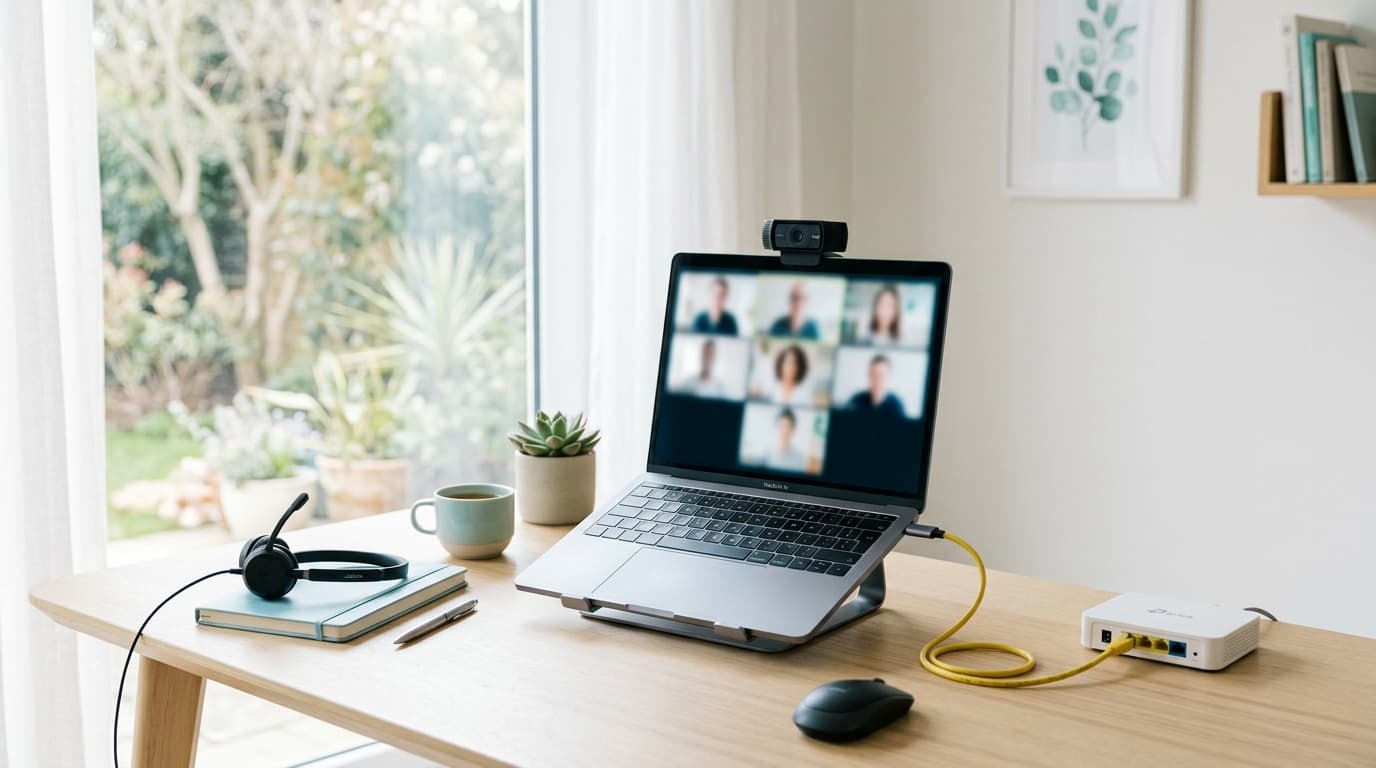
During the final speed test, compare the measured value with the one in your plan: a marked gap deserves an immediate question to the technician. Take advantage of their presence to change the default Wi-Fi network name and password, and to connect your priority devices — television, console, work computer. If you then notice poorly covered zones, it isn't necessarily a fiber fault: it's often a matter of router placement or floor area, solved with a repeater or a mesh system. Finally, keep the activation date: it marks the start of your commitment and serves as a reference for the end of the promotion, the moment the price climbs. On that point, our article on the price of fiber after the promo explains how to anticipate the increase.
In short, fiber installation is no construction site: one or two appointments, one to three hours on site, a connection that follows existing pathways, and an activation tested in front of you. The real work happens beforehand — checking your eligibility, choosing the right fiber offer at the right price — and afterward, by getting the router placement right. On the day itself, you just need to be present, to have chosen the right spot, and to check the speed before the technician closes the door.
Installation & éligibilité comparator
Compare all installation & éligibilité side by side.
Compare now →
Frequently asked questions
Nicolas suit le marché belge des télécoms et le déploiement de la fibre depuis plus de huit ans. Ancien technicien réseau devenu analyste indépendant, il teste lui-même les connexions qu'il compare : il mesure les débits réels à différentes heures de la journée, lit les conditions ligne par ligne et traque les hausses de prix qui tombent après douze mois. Son objectif : aider les ménages belges à choisir une offre fibre qui tient ses promesses, au bon débit et au juste prix, sans jargon ni argument commercial.