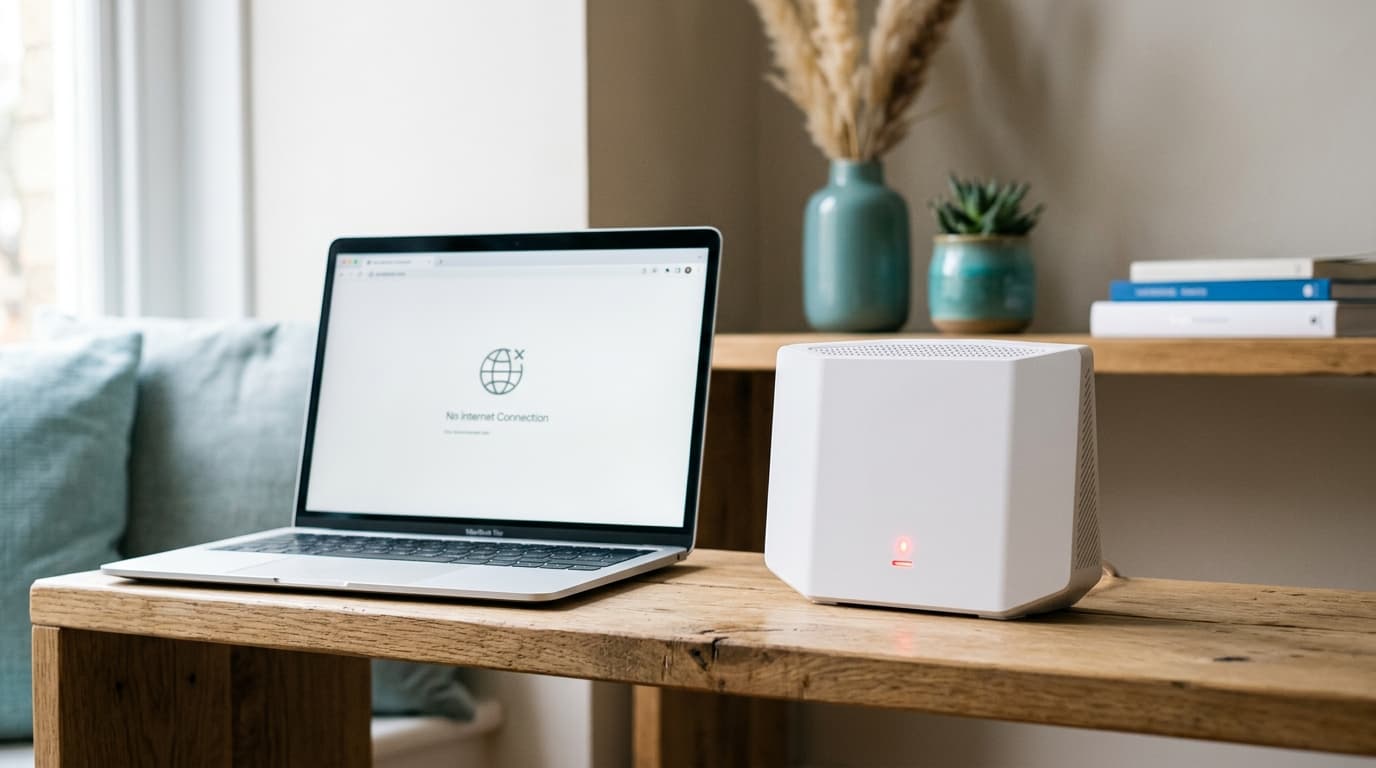
Your Proximus connection just dropped and you are looking for the culprit. There are two candidates: the network, or the box sitting in your home. Five steps, in order, settle it before you call, and only one of them cannot be undone: the restart, which wipes the best evidence. Checked on 30 September 2026.
Where can you see whether Proximus has an outage in your street?
To my knowledge, there is no public map of outages by address.
The official entry point is the support page on your Proximus internet connection (in French), which groups six entries: no connection, disruption in your region, red light, restart, slow speed and Wi-Fi. The second is the only one that matters if your whole neighbourhood is affected. The Proximus forum also hosts a community thread titled "State of outages and ongoing interventions", opened in May 2022 by a subscriber, where one participant laments that the old information page has disappeared. It is not an official service, it is a thermometer.
The fastest source is also the least technical: a neighbour on the same provider.
What do the Internet Box lights tell you?
The essentials, provided you read them before touching anything. The table below follows the fibre Internet Box user guide published by Proximus (in French), consulted on 30 September 2026. It applies to that model: the b-box 3 and older boxes have different lights.
| Light | State | Meaning according to Proximus | Recommended step |
|---|---|---|---|
| Internet | Solid blue | There is an internet connection | None: look at Wi-Fi or the device |
| Internet | Red | There is a malfunction | Restart, or switch Ethernet port then restart with POWER |
| Internet | Off | The Internet Box is off | Check the power supply |
| Phone | Blinking white | Telephony temporarily unavailable | No step given, the state is temporary |
| Phone | Red | Telephony not working properly | Restart the Internet Box |
The step in the last column for the light being off is plain common sense, the guide only states that the box is off.
The five steps before you call
The first costs nothing: touch nothing.
- Note the lights, with a photo if you can. That is the state of the box at the moment of the outage, and it disappears at the first restart.
- Plug a laptop in by Ethernet and switch its Wi-Fi off. Nothing over cable: the line is dead. Everything works: your subscription is fine and the problem lies in your Wi-Fi, as our article on slow internet explains.
- Restart once with the POWER button and let the lights settle.
- Switch Ethernet port if the Internet light stays red, then restart again. That is the Proximus guide's instruction.
- Check the cabling between your devices if you have a separate fibre modem: both must be powered, and the Ethernet cable must run from the red port of the Internet Box to the Ethernet port of the fibre modem, as a Proximus help page reminds customers.
Red still there? Then it is no longer you: the optical box, the fibre or the network is at fault, and only a case opened with the provider, with your notes (start time, lights, steps already tried), will move things forward. To learn the real speed once the line returns, a proper test matters: see how to test your speed without skewing the result.
Does an outage entitle you to compensation?
Only from eight hours of total interruption, and most incidents stop well before.
| Date | Incident | Duration | 8-hour threshold reached? |
|---|---|---|---|
| Monday 16 March 2026 | Major mobile outage | Not given by the source | Not relevant for fixed internet |
| Thursday 19 March 2026 | Fixed internet, mobile and TV, blamed by Proximus on a faulty router | About 3 hours (11:00 to 14:00) | No: it would have had to last until 19:00 |
Sources: VRT NWS, 19 March 2026 for the timeline, L'Avenir, 25 March 2026 for Proximus's forum reply. Threshold calculation: Nicolas.
The scale, the six exclusions and the calculation for your own subscription are set out in our article on internet outages and compensation. The regulator's reference text is the page of the BIPT (Belgian Institute for Postal Services and Telecommunications, IBPT in French).
Brussels, Flanders, Wallonia: same outage, same method?
The method is the same. Your installation, though, varies from region to region, because the rollout of fibre to the home (FTTH) remains very uneven: on the order of 78 % of homes in Brussels, 71 % in Flanders and 44 % in Wallonia in mid-2026, figures that move with the source.
| Region | FTTH (mid-2026, order of magnitude) | Partner builder for Proximus installation | Effect on diagnosis |
|---|---|---|---|
| Brussels | ≈ 78 % | Not recorded | Fibre line likely: read the Internet light on the Internet Box |
| Flanders | ≈ 71 % | Fiberklaar | Same reading; also check the cable to the fibre modem |
| Wallonia | ≈ 44 % | Unifiber | Large share of non-fibre lines: the box model, and so the lights, may differ |
Partners recorded on Proximus's fibre installation page on 20 September 2026; the German-speaking community is handled by GOfiber. To place your street, the BIPT coverage atlas is authoritative, and the Fiberklaar site details its Flemish network.
With Scarlet or edpnet, who do you call?
Your own provider, without exception.
A line that runs over the Proximus network creates no contractual relationship with Proximus. Scarlet, edpnet and the other resellers open the case, answer for the outage and turn to the network manager afterwards. Calling Proximus instead only lengthens the path of your case. Our Proximus review sets out the network, the plans and the post-promo prices for those wondering whether to stay.
When a technician becomes unavoidable
Three cases call for one: the Internet light still red after a port change and a restart, an outage lasting more than twenty-four hours with no word from the provider, and a cable or box visibly damaged on the wall or in the garden. In every case, keep this log to hand:
- the time the outage started and the time service returned;
- the colour of each light when you noted it;
- the steps already tried, in order;
- the case number the adviser gave you;
- the name of the person you spoke to and the time of the call.
If the case does not move after a written complaint, the Ombudsman Service for Telecommunications is free and has jurisdiction over this kind of dispute.
Opérateurs comparator
Compare all opérateurs side by side.
Compare now →
Frequently asked questions
Nicolas suit le marché belge des télécoms et le déploiement de la fibre depuis plus de huit ans. Ancien technicien réseau devenu analyste indépendant, il teste lui-même les connexions qu'il compare : il mesure les débits réels à différentes heures de la journée, lit les conditions ligne par ligne et traque les hausses de prix qui tombent après douze mois. Son objectif : aider les ménages belges à choisir une offre fibre qui tient ses promesses, au bon débit et au juste prix, sans jargon ni argument commercial.